


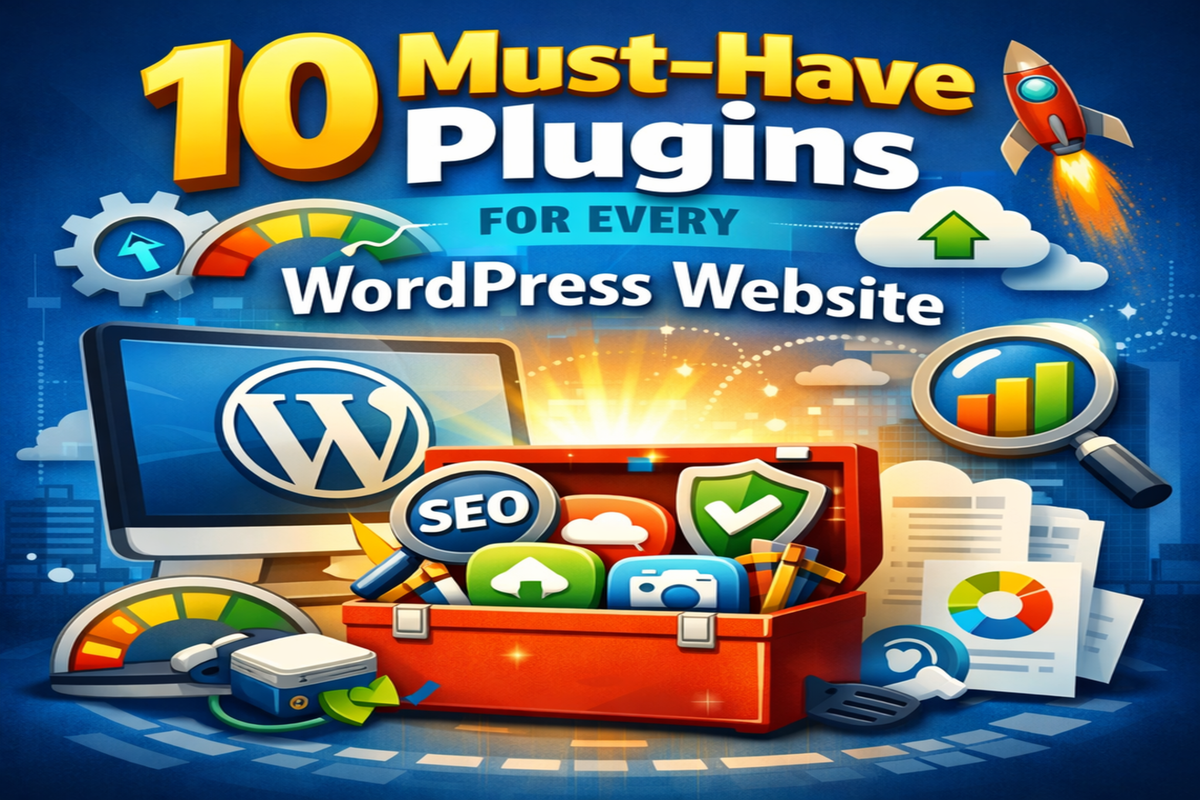
Top 10 Must-Have WordPress Plugins Guide
- Khetigaadi company
- Digital Marketing
- 2026-02-04 11:06:11
- 1972K
It’s an exciting experience to run a website using WordPress, but when you have thousands of plugins to choose from, it can get overwhelming too. Plugins are applications that bring additional functionality to your site, without the requirement of knowing code. The right plugins will boost speed, security, SEO, design, and user experience.
Whether yours is a blog or business site, or even a niche site like. One showcasing farming equipment from watching out some tractor review platforms. These plugins help create professional and trusted websites. Here are 10 essential plugins that every WordPress should have.
1. Yoast SEO
Search engine visibility is important for any website. Yoast SEO helps you optimize your content so that it ranks better on Google. It guides you while writing posts by showing SEO scores, readability suggestions, and keyword placement tips.
With Yoast SEO, you can easily edit meta titles, descriptions, and create XML sitemaps. Even beginners can improve their SEO without technical knowledge. It’s like having a small SEO assistant working inside WordPress.
2. WP Rocket (or Any Caching Plugin)
Website speed matters. Sluggish websites make visitors take their leave, and Google favours them less. Caching plugins like WP Rocket, cache static copies of your pages to make them load faster.
It takes a load off your server, optimizes files, and turns your site into a lightning-fast machine. You can pay for WP Rocket, or you can use a free W3 Total Cache, and WP Super Cache is also an excellent alternative.
3. Wordfence Security
Security should never be ignored. WordPress Sites are frequent hacker targets. Wordfence Security Provides a firewall and malware scanner option for your site.
It will check for any suspicious activity, block malicious traffic, and tell you if it appears there is something unsafe. Even though it’s small, every website needs security because automated hacks are created specifically not to care about the size of the site.
4. UpdraftPlus Backup Plugin
Think about how you would feel if your website disappeared one day. And it’s a huge pain in the ass if you don’t have backups. Updraft Plus will automatically back up your site files and database.
You may save backups to Google Drive, Dropbox, or other cloud storage. If something goes wrong, you can restore your site in a few clicks. A regular backup is a peace of mind.
5. Elementor Page Builder
Elementor is among the easiest drag and drop page builders. You can visually create pages without using any code. You’re able to create landing pages, blogs and custom layouts on the fly.
The live editing aspect means changes are visible immediately. Newcomers are drawn to Elementor because it transforms design into a simple visual process.
6. Akismet Anti-Spam
Spam comments can destroy your website’s reputation. Akismet is designed to automatically filter out spam comments and keep your blog from becoming cluttered with junk messages.
Rather than slogging through spam comments on a daily basis, Akismet simply takes care of the problem behind the scenes. It’s a time saver, and keeps your comment section more organized.
7. Smush Image Optimizer
Large images slow down websites. Smush smushes images without quality loss. It also compresses the pictures you upload to make your pages load even faster.
Good image optimization can speed up your site, boosting your SEO and users experience. Human visitors get seamless browsing as they see images load immediately.
8.Contact Form 7 (or WPForms)
Each site should include a method visitors can use to contact you. Contact Form 7 is a simple form plugin that you can trust. It can be used to design contact forms, feedback forms and enquiry forms.
For another easy-to-use interface suited for beginners, WPForms has a drag-and-drop builder for forms. Both plugins are popular and reputable.
9. Rank Math SEO (Alternative SEO Tool)
Few website owners find Rank Math to be better than Yoast with its modern UI and extra features. It comes with keyword tracking, schema markup, and SEO recommendations.
You even should not use both Yoast and Rank Math at once — choose one. If you want additional SEO tools for free, Rank Math is awesome.
10.MonsterInsights (Google Analytics Plugin)
Knowing how visitors use your site makes you a better website owner. MonsterInsights links your WordPress to your Google Analytics.
It provides simple reports in your admin area like page views, popular pages, referrers and what people click on. This information guides you in your content choices.
Why Plugins Matter More Than You Think
The plugins are not optional add-ons. They are kind of the engine behind your WordPress website. The perfect synthesis optimizes speed, safety, design and discoverability.
But having too many plugins installed can slow down your site. Make sure you’re using reputable tools with good reviews and consistent updates. Quality matters more than quantity.
Also remember:
Keep plugins updated
Delete unused plugins
Use only necessary tools
Check compatibility after updates
Avoid unknown developers
A properly maintained plugin system maintains the level of professionalism you have come to expect from a tool that keeps your website stable and professional.
Extra Tips for Plugin Management
Before you add new plugin, ask yourself:
Does it solve a real problem?
Is it regularly updated?
How is it rated by users?
Is customer support available?
It is wise to test plugins on a staging site before deploying them on your live site. This prevents unexpected crashes.
You can keep an eye on the performance by checking out speed tools such as GTmetrix or PageSpeed Insights. If a plugin is dragging down the speed of your site, look around for alternatives.
Remember, plugins are here to simplify your site — not complicate it.
Conclusion
WordPress plugins are powerful add-ons that can elevate a simple website into an effective online platform. With the above plugins, all the basics are covered, from SEO to speed to security and backups, design and analytics and even spam protection.
You don’t have to install everything at once. Begin with the essentials — SEO, security, backups and speed — then customize your setup according to your requirements.
Clever plugin configuration helps fasten your website, keep it secure and keeps the best thing i.e. its backend neat & orderly. Your WordPress website can expand and grow seamlessly because of the right base it uses.
1972 people like this


About Premium Author
This post has been authored and published by one of our premium contributors, who are experts in their fields. They bring high-quality, well-researched content that adds significant value to our platform.
Leave a Reply
Please login to post a comment.






0 Comments